

Models & Routing
What Auto means, how to pick a provider, and how Heavy / Standard / Light tiers work
You never have to pick a model to use CloudStation — by default, routing is automatic. When you do want control, you can choose the provider your requests route through, and pin exact models per tier.
The header model control
The control in the top bar shows Auto by default (or a tier name if the thread's agent is pinned to one):

Click it to open the provider list:
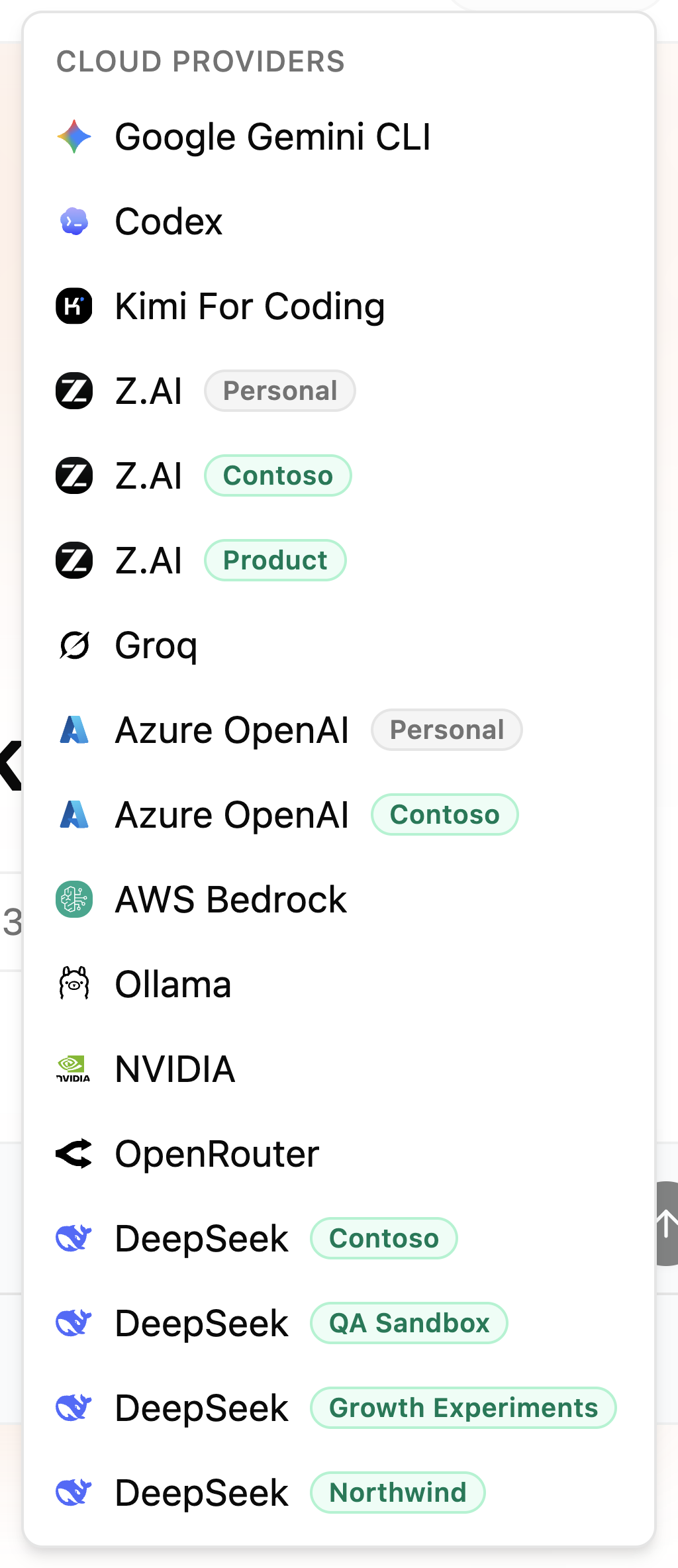
- This machine · private — local runtimes on your own computer (Ollama, LM Studio, Lemonade, or on-device AI). Requests to these never leave your machine.
- Cloud providers — every provider connected in your account or shared with you by a team. Personal connections carry a Personal tag; team-shared ones carry the team's name.
A green dot marks providers that are live; Connecting… shows while one comes up. Selecting a provider makes it your default route.
Auto is a route, not a model. It means "use my default provider's best model for the tier the work needs". If Auto answers with a GPT model, that's because your current route's default points there — pin a different provider or exact models if you want otherwise.
Tiers: Heavy, Standard, Light
Work is classified into three intelligence tiers, and each tier resolves to a model on your route:
| Tier | Used for |
|---|---|
| Heavy | The most capable models — complex, multi-step work |
| Standard | Balanced default for most agents |
| Light | Fast, inexpensive route for simple tasks |
Agents can be pinned to a tier (the header control then shows the tier name instead of Auto), or to one exact model.
Making it explicit in Settings
The Model Preferences tab in Settings is where you control routing precisely:
- Default route — pick where Auto should route. This does not pick one exact model; Heavy, Standard, and Light are resolved from that route.
- Per-tier overrides — pin the exact model for each tier. Each row previews what Auto now uses, and an Override badge marks tiers you've pinned. Overrides take precedence over the default provider.
No providers connected yet? The picker offers Set up private AI (run models on your own machine) and Connect a provider. Team admins can also share provider access with the whole workspace — see AI Providers.
Related pages
- AI Providers — connecting cloud providers and local runtimes
- Inside a conversation — seeing which model each agent uses
- Agents — per-agent model configuration