

Integrations Hub
Connect your work tools — email, files, chat, ERP, BI — so agents can use them for you
Integrations connect your everyday tools to CloudStation so agents can act on your behalf — read a mailbox, post to a channel, pull an invoice from your ERP, refresh a dashboard. You connect each tool once; from then on you just ask in plain language.
Opening the hub
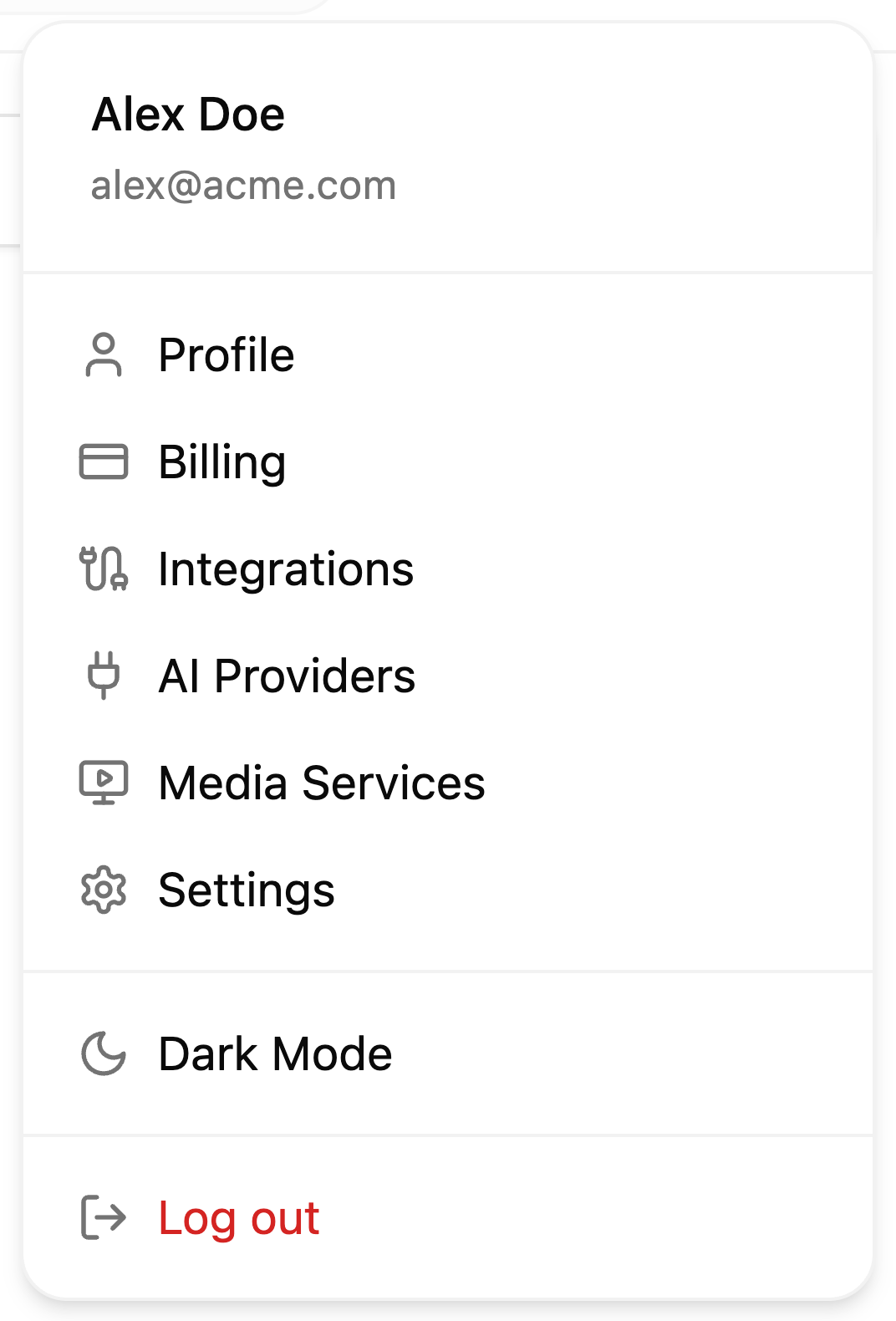
Click your avatar (top right) and choose Integrations:
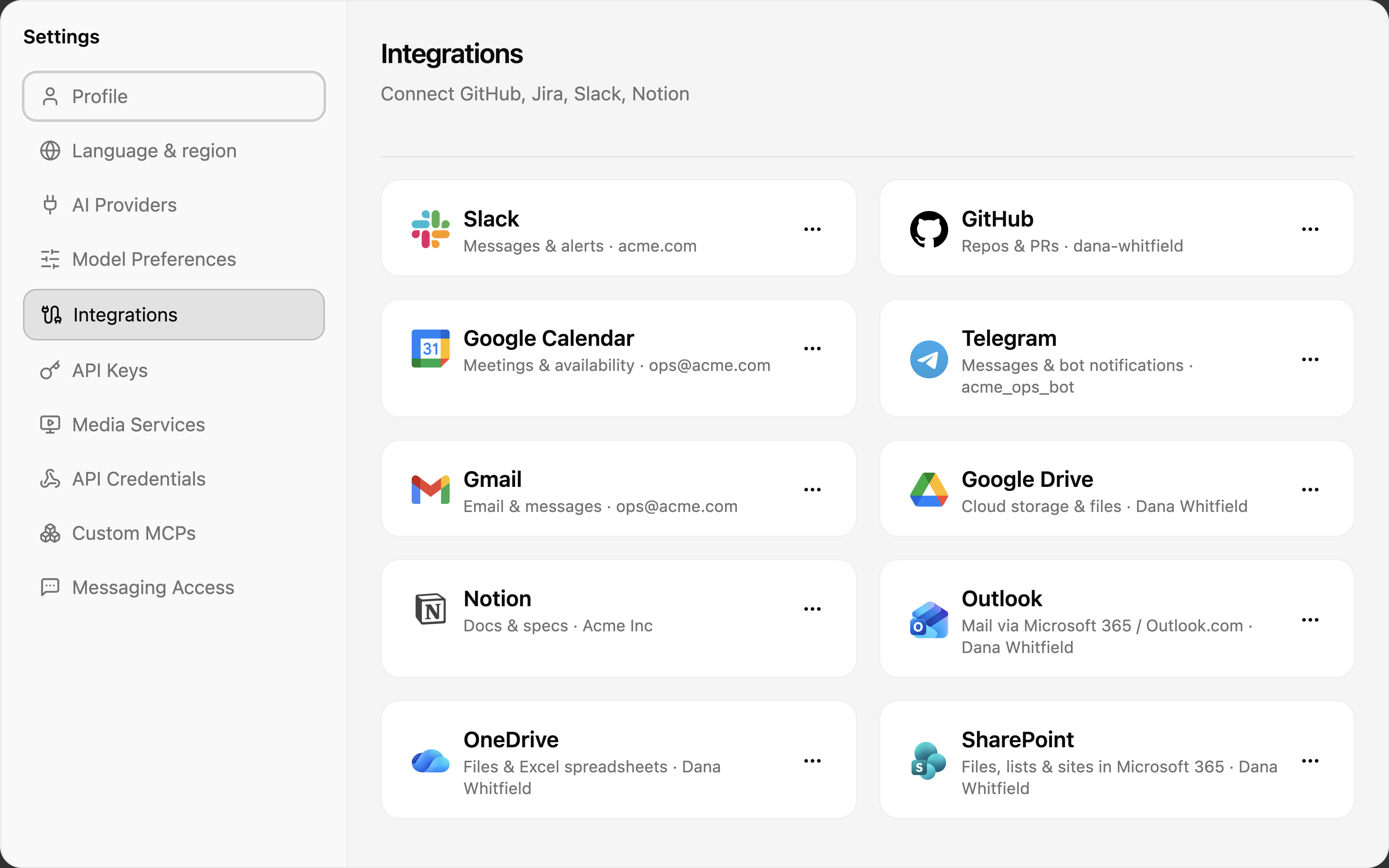
The hub lists every provider with its connection state and the account it's connected as:
Available providers
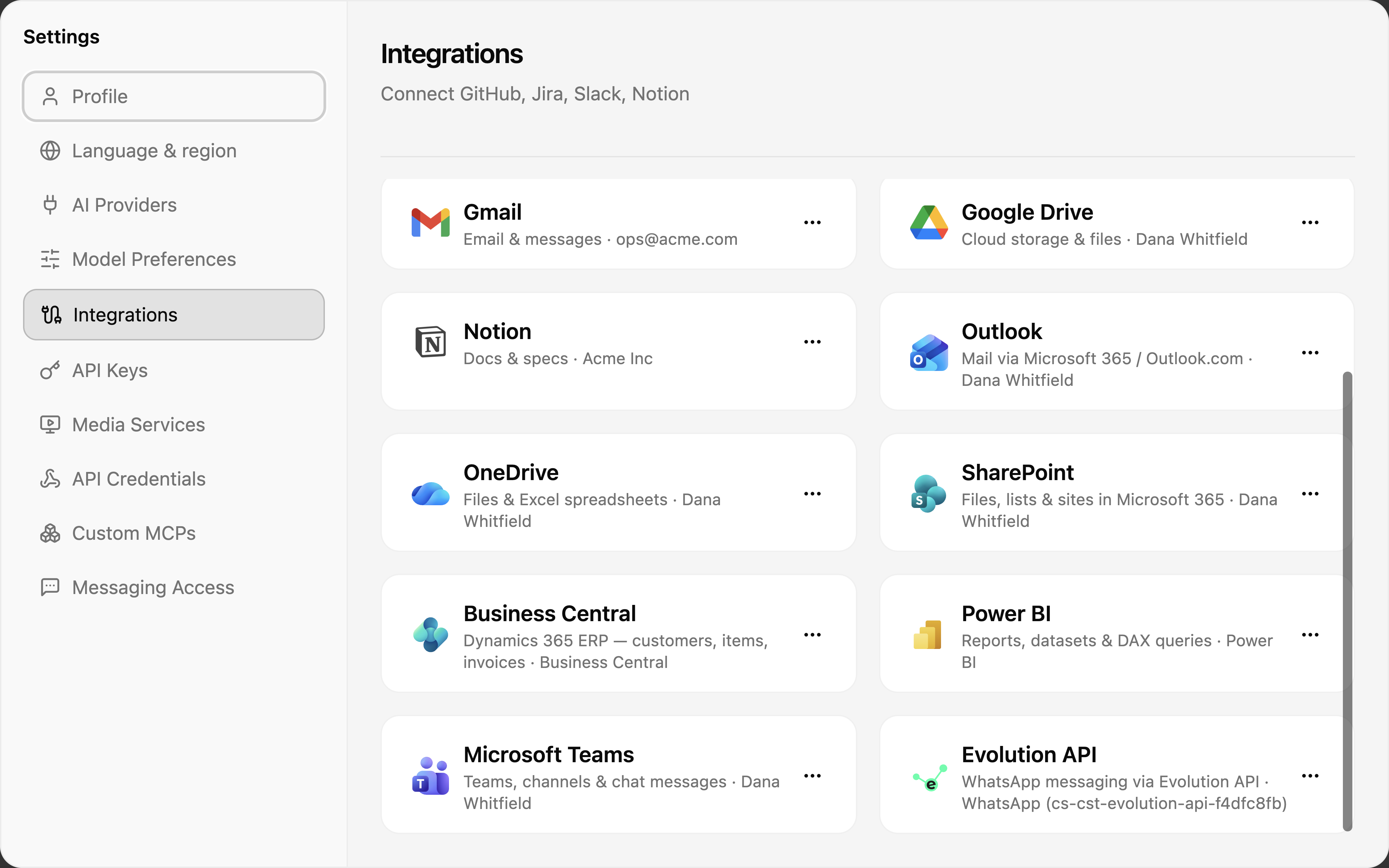
| Category | Providers |
|---|---|
| Email & calendar | Gmail, Outlook, Google Calendar |
| Files & docs | Google Drive, OneDrive, SharePoint, Notion |
| Chat & messaging | Slack, Microsoft Teams, Telegram, WhatsApp (Evolution API) |
| Development | GitHub |
| Business | Business Central (Dynamics 365 ERP), Power BI |
Each card's ⋯ menu offers the actions for that provider — connect, reconnect, or disconnect. Connecting opens the provider's own sign-in page (OAuth); CloudStation never sees your password, and you can revoke access from the provider's side at any time.
You don't have to notice a broken connection yourself. When one stops working, you get a notification with a one-click Reconnect that lands you on the right card — see Notifications & connection alerts. Your team admin sees the same breakage on the team overview and can send a reminder if yours stays broken.
Personal vs team-shared
There are two levels of connection, and they complement each other:
- Personal (this page) — your accounts, usable only by you. Your Outlook is yours; a teammate asking for "my inbox" gets their own.
- Team-shared (the team overview) — AI provider keys, custom API credentials, MCP servers, and media providers the owner or admins share with the whole team. Members use them without ever seeing the secret.
The other tabs in this settings dialog cover the personal side of those same ideas: AI Providers (your own model keys), API Keys (keys for the CloudStation API), API Credentials (custom credentials for your own services), Custom MCPs, and Media Services.