

Settings
Your personal settings — profile, AI providers, model routing, keys, credentials, MCPs, and media services
Settings opens as a modal: click your avatar in the top-right corner and choose Settings. Everything here is personal to your account — team-level settings (members, SSO, shared keys) live on each team's overview page instead.
Profile
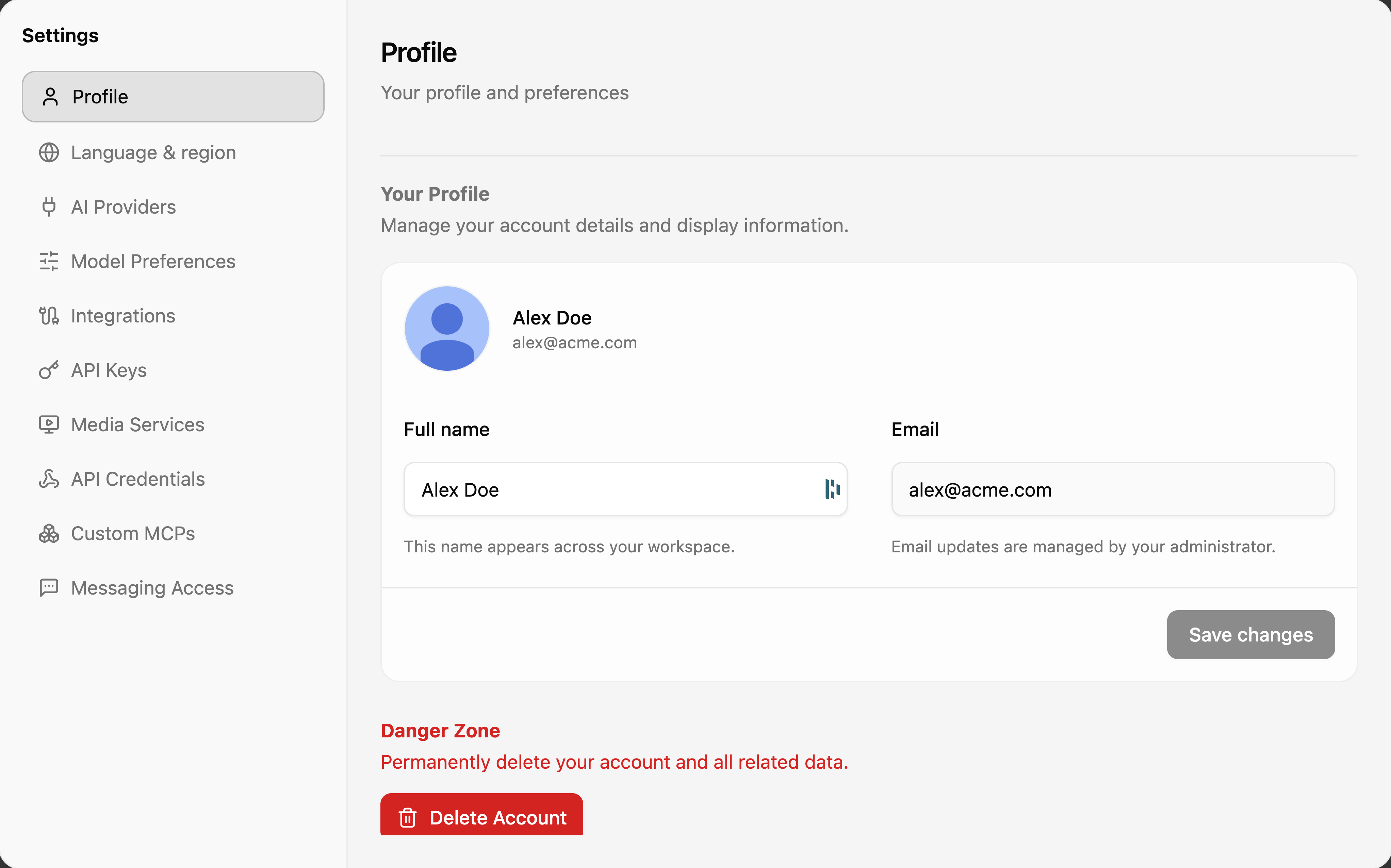
Your display name, email, and avatar. The name appears across your workspace; email changes are managed by your administrator when your account belongs to an organization. The Danger Zone at the bottom permanently deletes your account and all related data — see Account Deletion.
Language & region
The interface language (English, French, Arabic, Traditional Chinese) — the same picker as the language pill in the top bar.
AI Providers
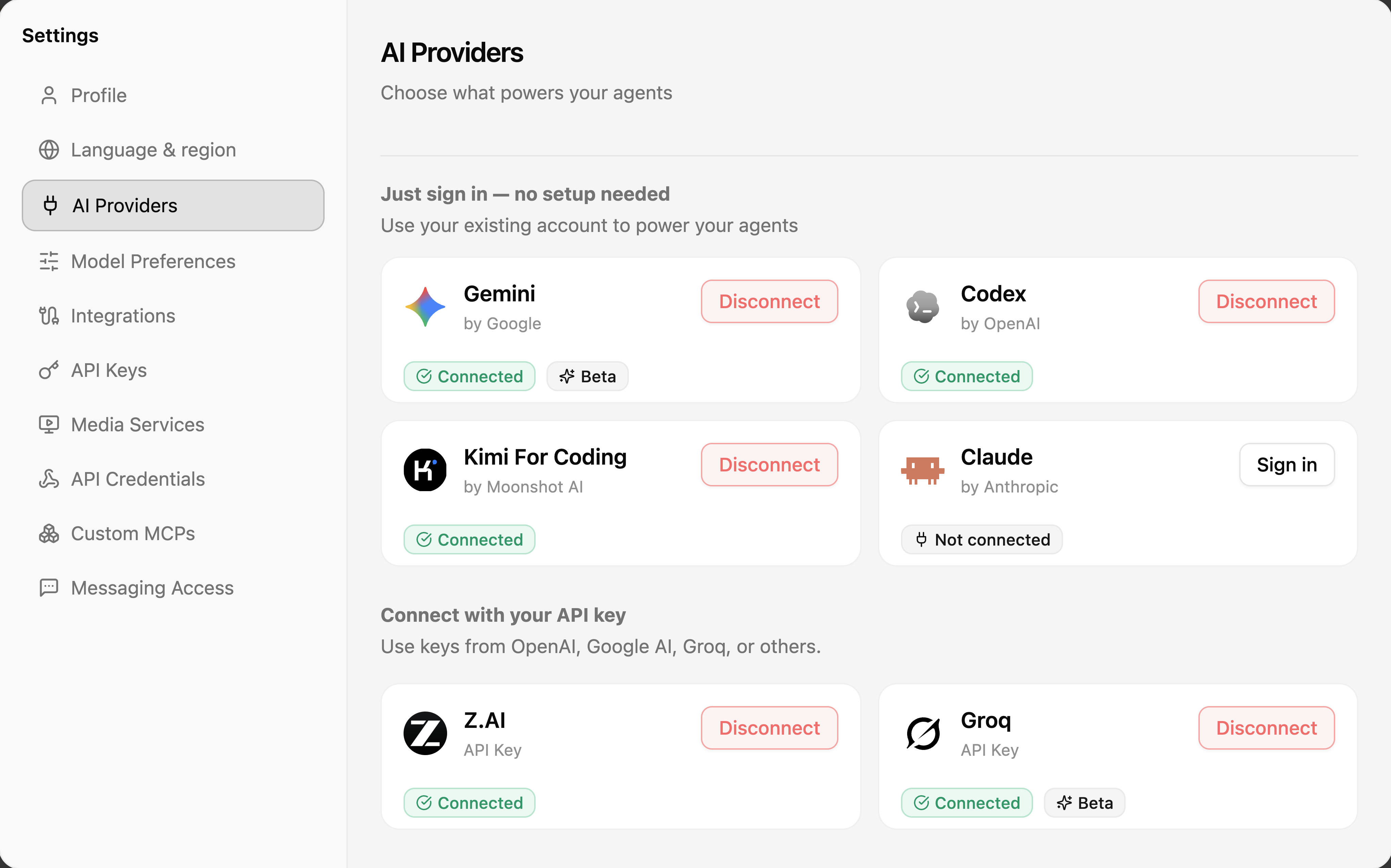
Connect what powers your agents, two ways:
- Just sign in — no setup needed — use an existing subscription account (Gemini, Codex, Kimi For Coding, Claude) with a sign-in flow.
- Connect with your API key — paste a key from OpenAI, Google AI, Groq, Z.AI, and others.
Each card shows its connection state, with Disconnect to remove it.
Model Preferences
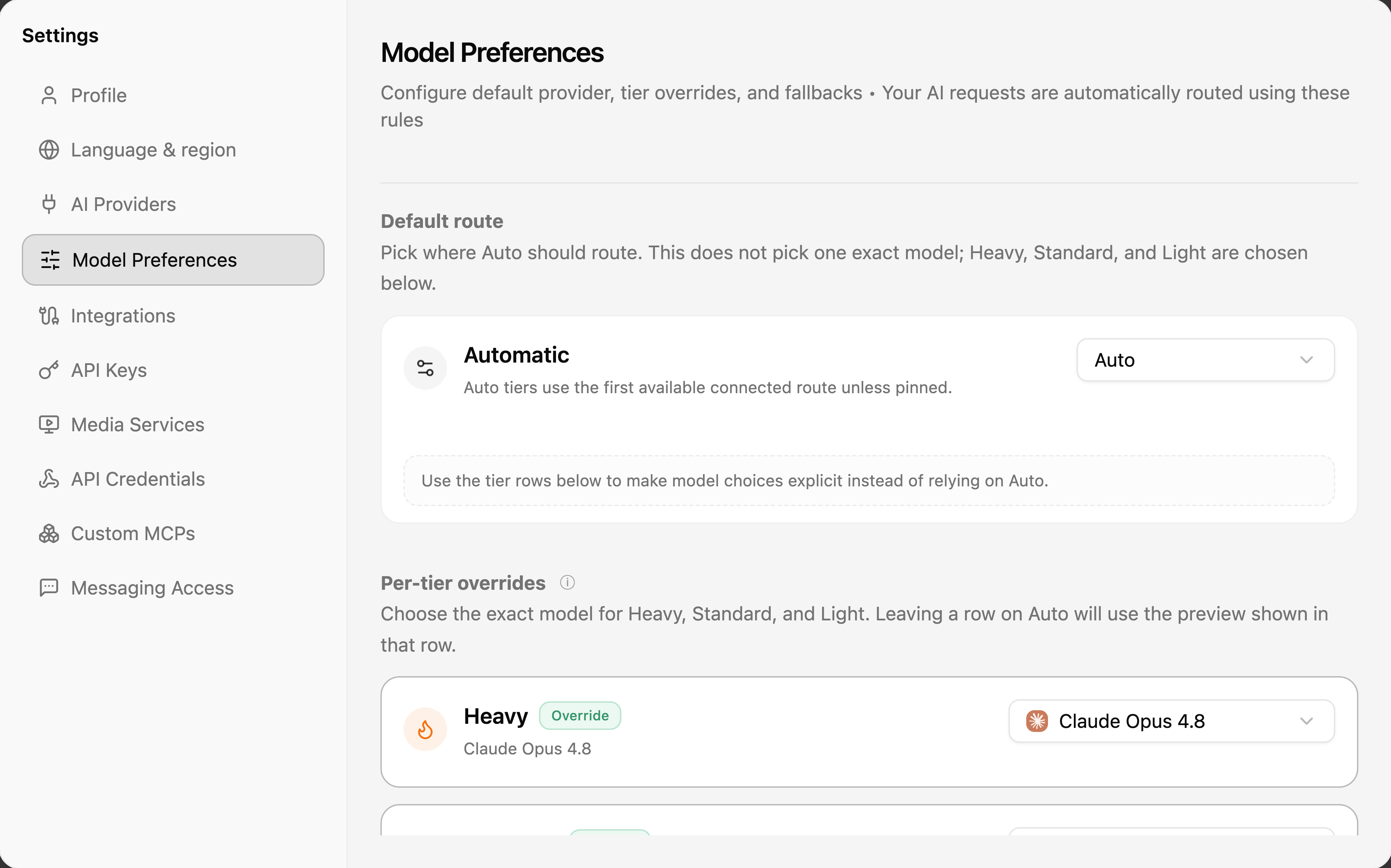
Controls how model routing resolves:
- Default route — pick where Auto should route. This does not pick one exact model; the Heavy, Standard, and Light tiers are resolved from the route.
- Per-tier overrides — pin an exact model per tier. Overridden tiers show an Override badge and take precedence over the default provider.
Integrations
Connect external services (Microsoft 365, GitHub, Telegram, WhatsApp/Evolution, Google Workspace, Notion, and more) that agents can act on for you. This tab has its own guide: Integrations.
API Keys
Personal keys for calling the CloudStation API programmatically. Create API key issues a new one; each row shows the key's name, identifier, and status, with Revoke key to kill it immediately.
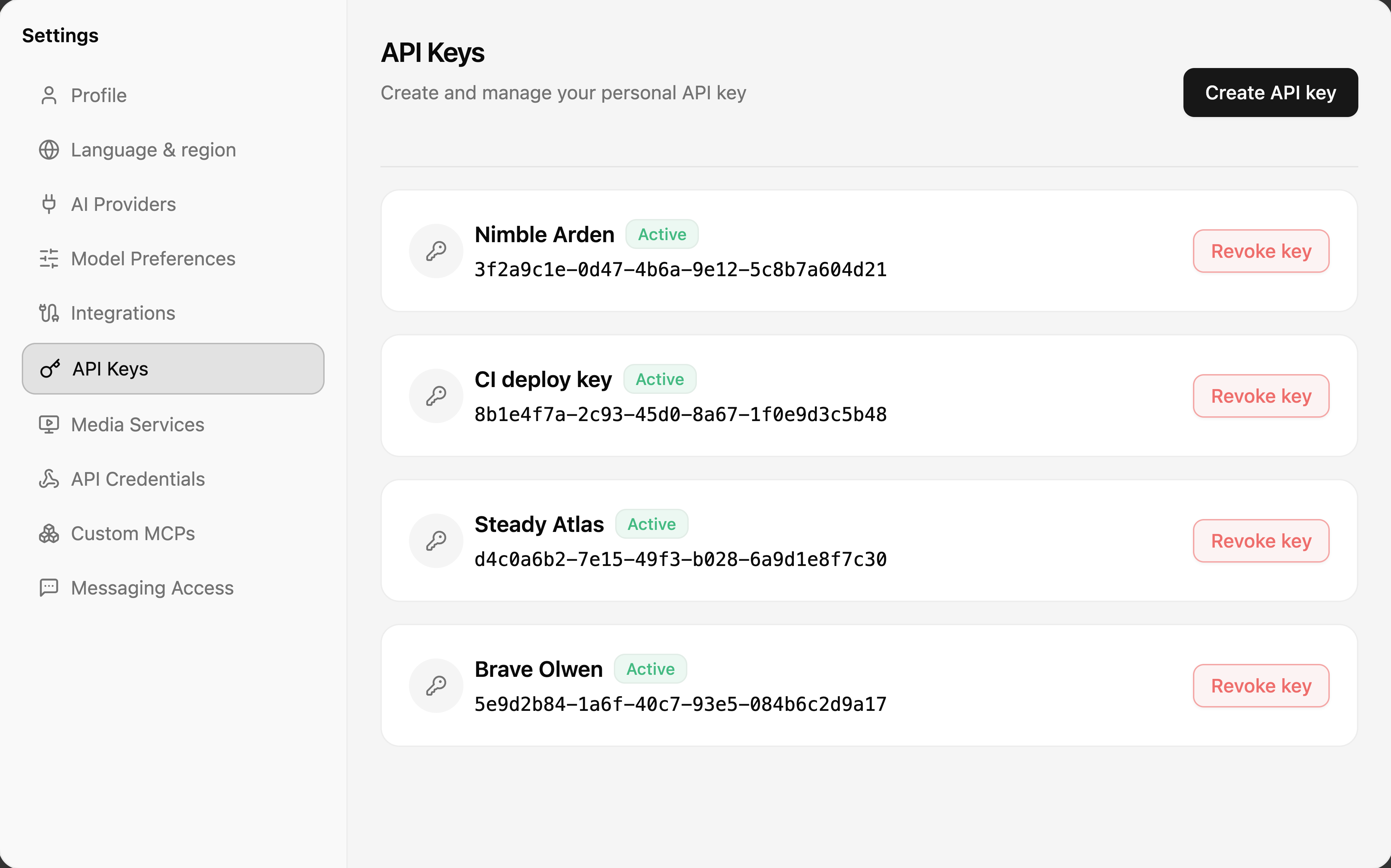
A key's secret is shown once, at creation time. Store it somewhere safe — revoking and re-creating is the only recovery.
Media Services
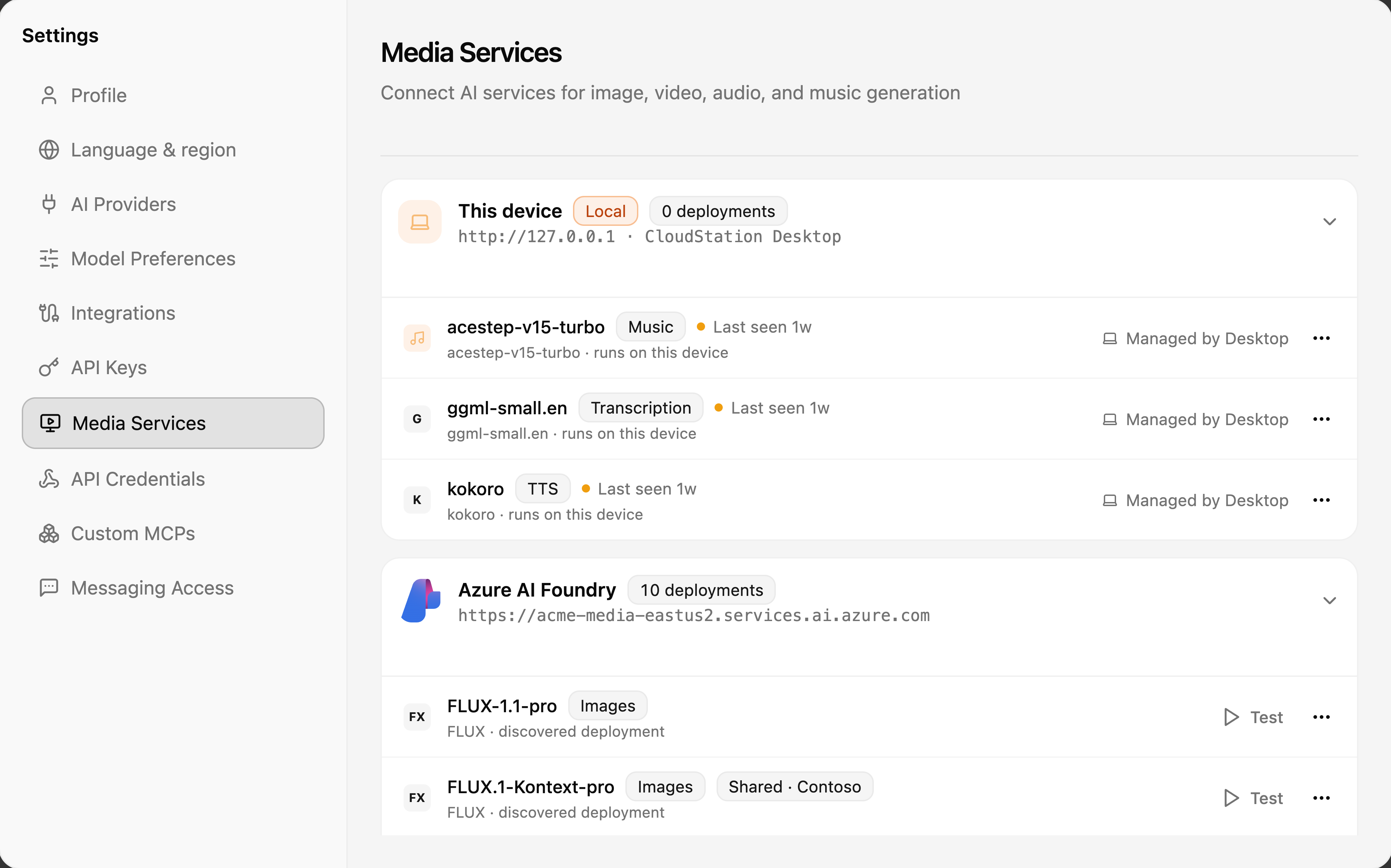
AI services for image, video, audio, and music generation:
- This device — local models managed by CloudStation Desktop (music generation, transcription, text-to-speech) that run entirely on your machine.
- Cloud services — connected endpoints such as Azure AI Foundry, with their discovered deployments. Each deployment can be Tested, and team-shared ones are tagged with the team's name.
API Credentials
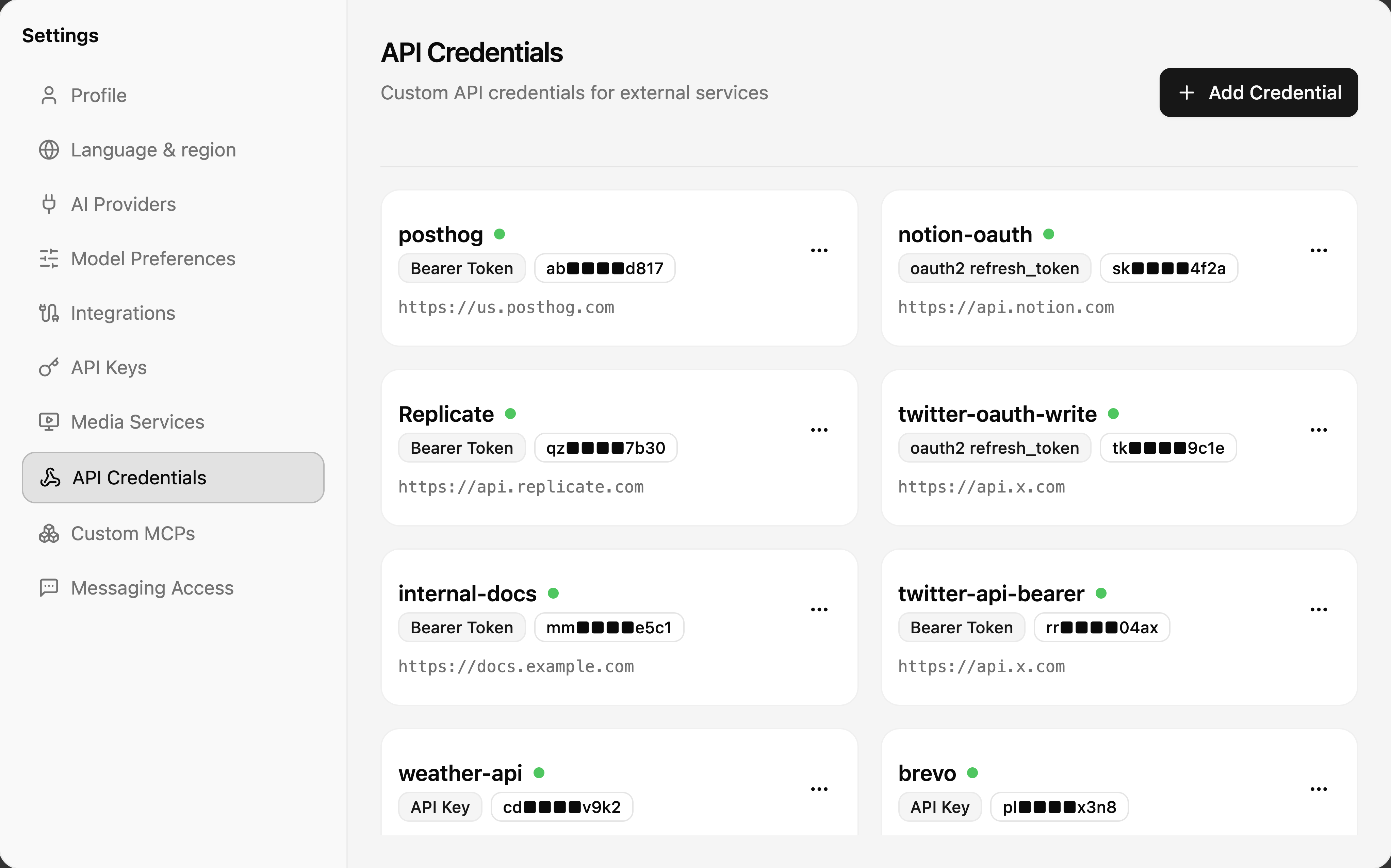
Custom credentials for external APIs that your agents call — bearer tokens, API keys, or OAuth2 refresh tokens, each tied to a base URL. Agents use these through the credential proxy, so the raw secret is never exposed in a conversation.
Custom MCPs
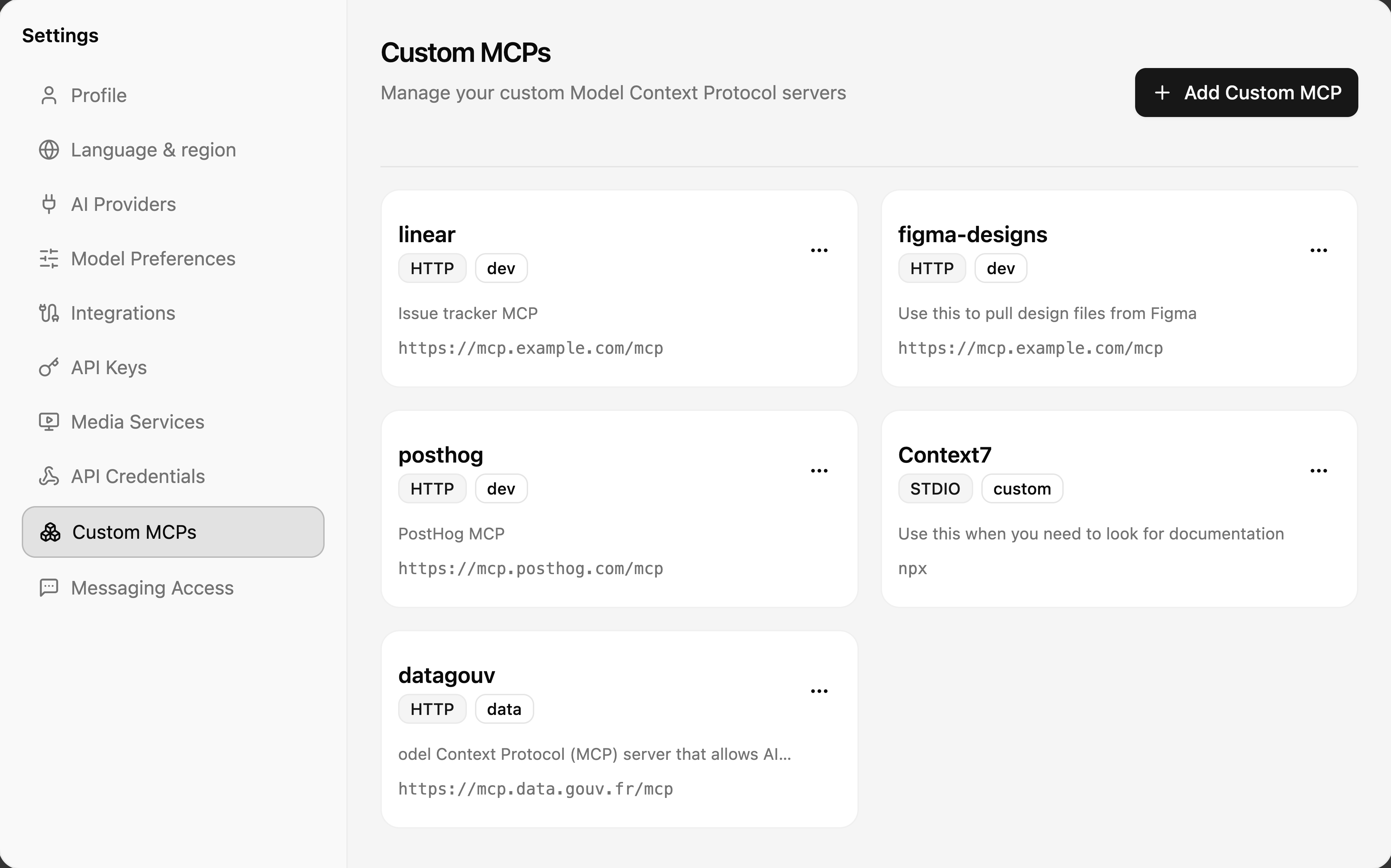
Your own Model Context Protocol servers, available to agents alongside the built-in tool catalog. Add Custom MCP registers an HTTP endpoint or a STDIO command, with a description that helps agents know when to use it.
Messaging Access
Controls which external senders (WhatsApp, Telegram, Slack) can reach your projects' chat sessions:
- Your Identity — link your phone number and messaging IDs so ownership checks work.
- Approvals — approve or reject pending requests from unknown senders.
- Allowed Senders — the per-project allowlist; keep it current to avoid unwanted access.
Related pages
- Integrations — the per-service connection guides
- Models & routing — how Auto and tiers behave in chat
- AI Providers — provider setup in depth
- Billing — plans and invoices