

Getting Started
Set up your CloudStation account and deploy your first service in minutes
Welcome to CloudStation! Follow these steps to go from sign-up to a running deployment.
Quick Start
Sign Up
Create your CloudStation account at cloud-station.io. The Cloud Platform is free for 24 hours from signup, no card needed. Charlie is free for 3 days, starting from your first message to Charlie. There is one free trial per person; see Billing.
When you sign up, CloudStation automatically creates a personal Workspace and a default Charlie project for you — so you're ready to go immediately.
Open Your Project
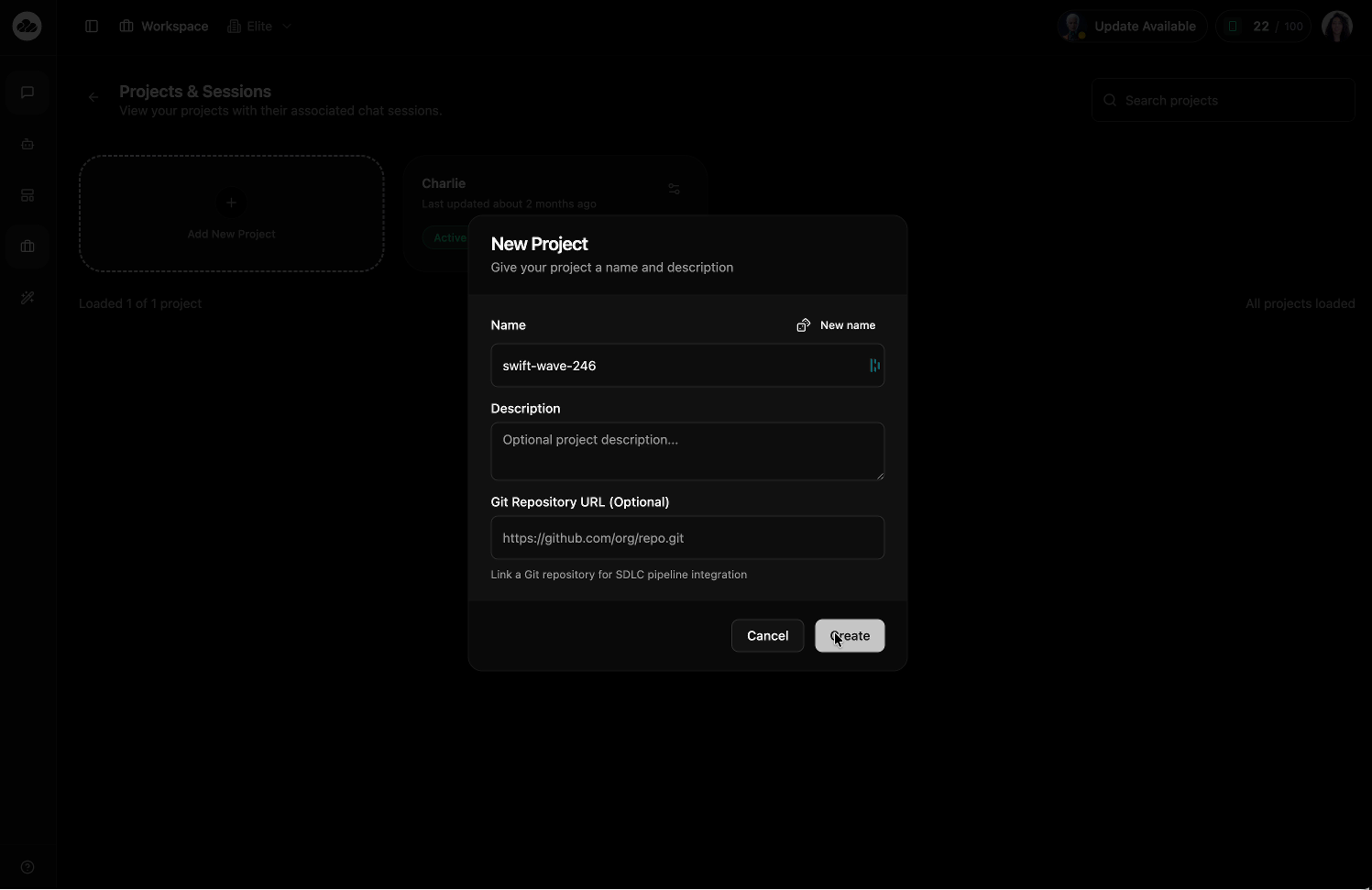
After signing in, navigate to the Projects & Sessions page. You'll see your Charlie project already created.
You can use Charlie right away, or click Add New Project to create additional projects for organizing different services and sessions.
Deploy a Service
Inside your project, click + Add and choose how to deploy:
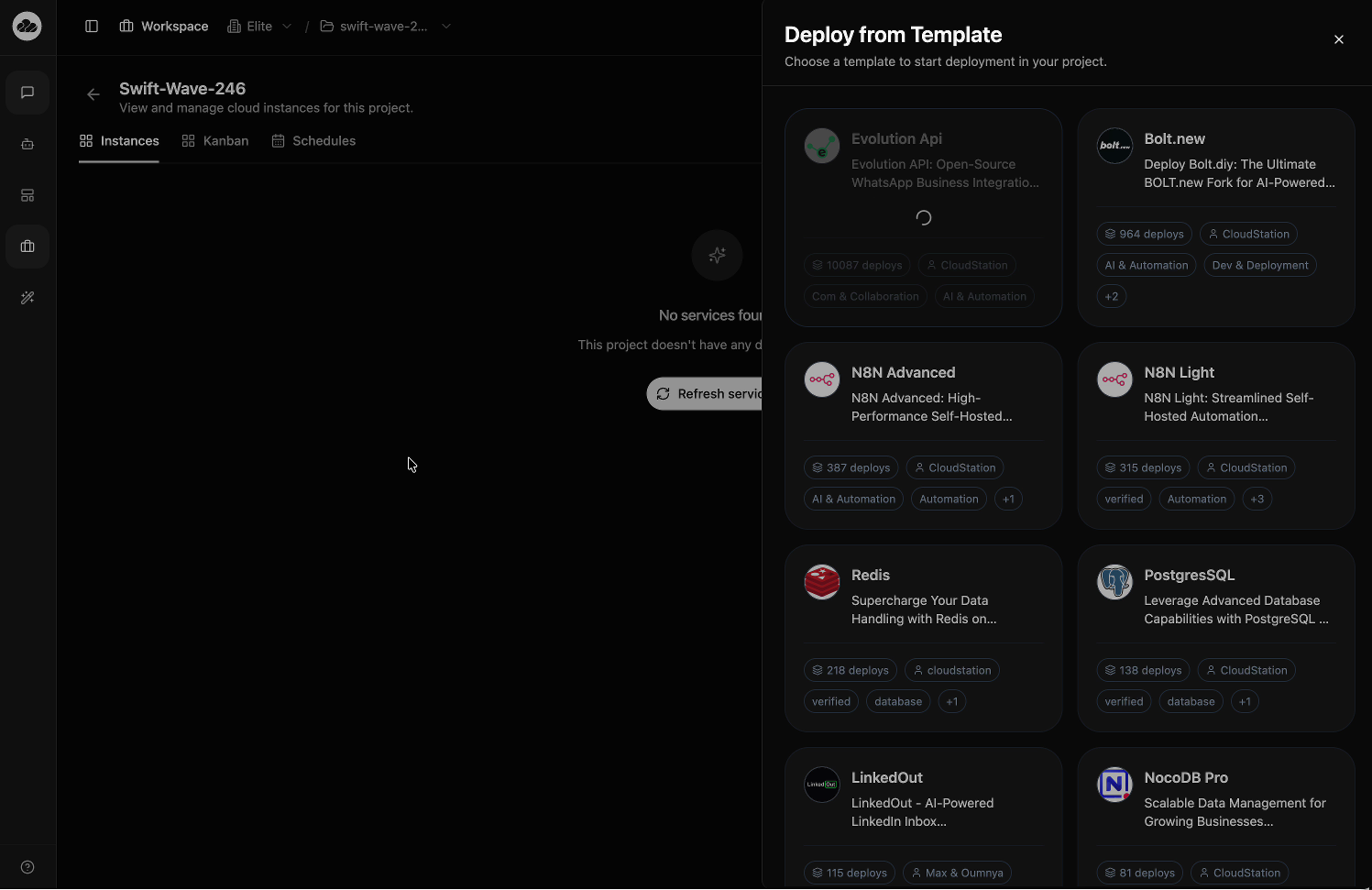
- Browse Templates — Pre-configured services like PostgreSQL, Redis, N8N, Evolution API, and 50+ more
- Deploy Docker Image — Run any container image from Docker Hub or a private registry
- Deploy from Git — Connect a repository for automatic builds
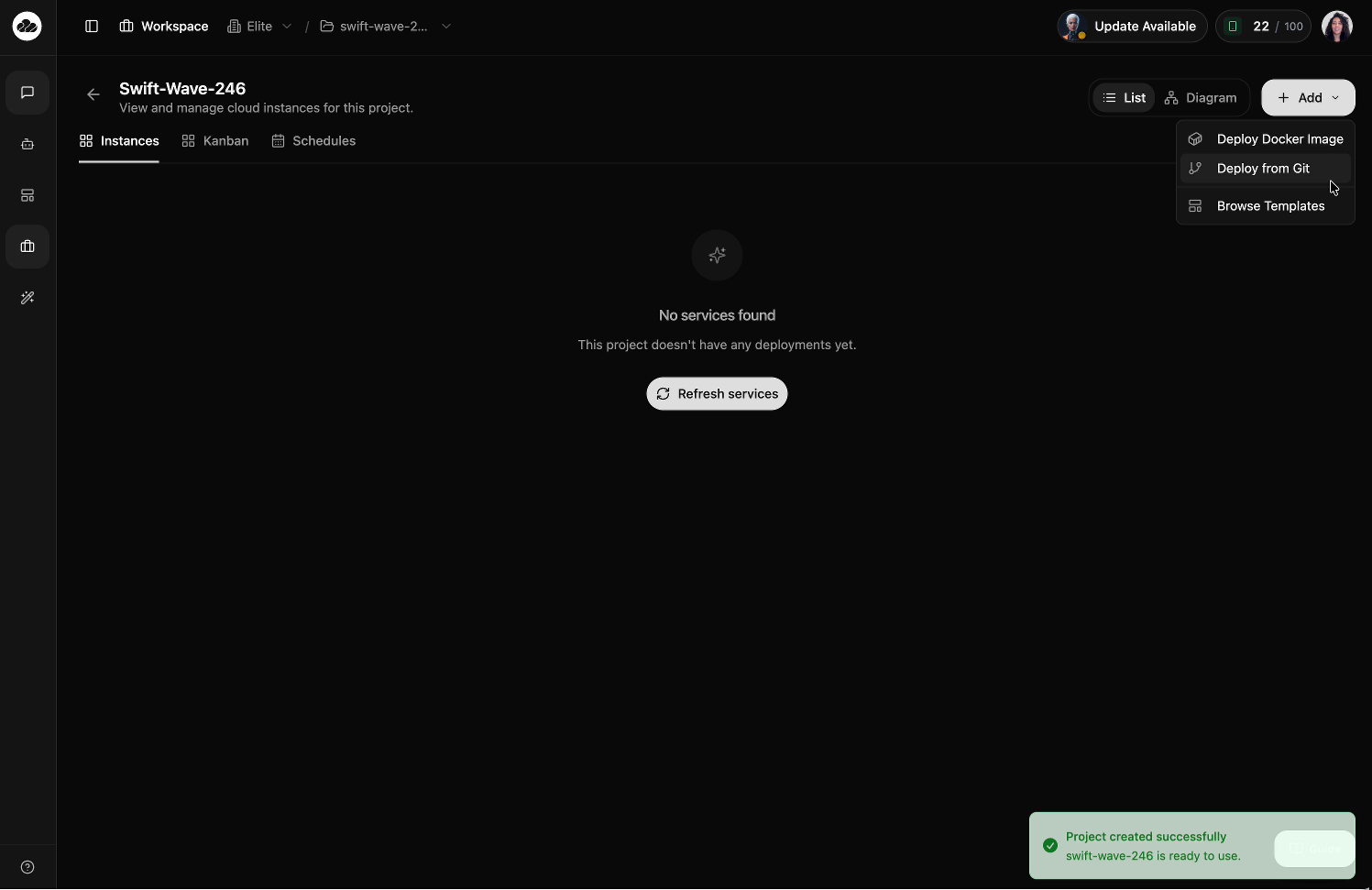
For your first deployment, Browse Templates is the easiest way to get started. Pick a template and CloudStation handles the rest — environment variables, networking, and health checks are all pre-configured.
Watch It Go Live
Your services appear in the Instances list and transition from PENDING → STARTING → RUNNING. Most deployments are live within 60 seconds.
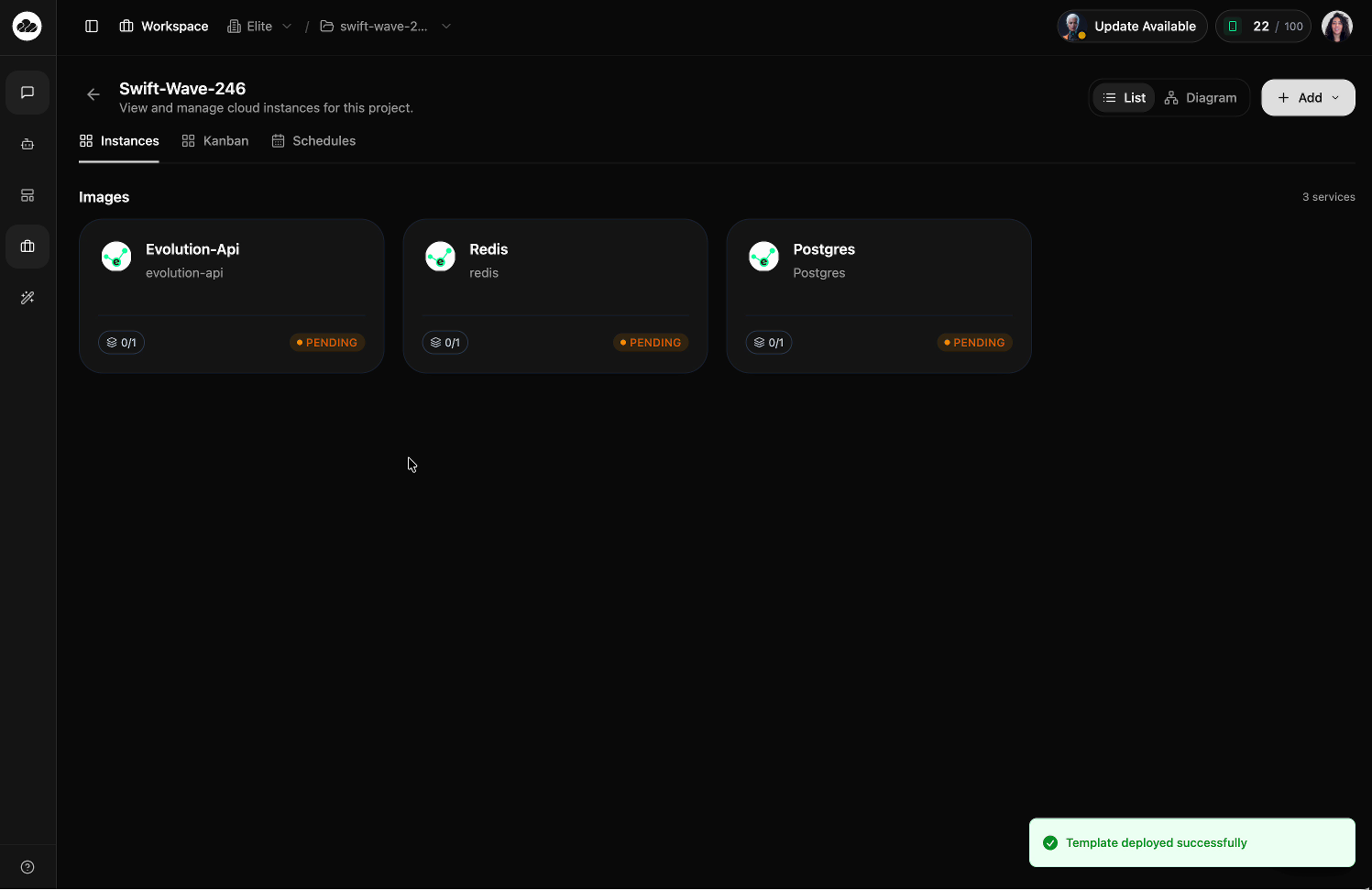
Once your services are running, click any instance card to view its details — overview, environment variables, deployment history, logs, and settings.
Start an AI Chat Session
CloudStation isn't just infrastructure — it's also an AI agent platform. Navigate to Chat in the sidebar to start a session with AI agents that can:
- Write and review code
- Manage your cloud infrastructure
- Research topics and answer questions
- Coordinate multi-agent workflows
Learn more about Chat & Sessions