

Schedules
Run agent workflows automatically on a calendar — daily digests, nightly checks, recurring reports
Schedules run agent workflows for you on a recurring calendar — a morning news digest, a nightly build check, a weekly report — without you having to remember to ask.
Open Workspace Tools → Schedules in the left rail.
The calendar
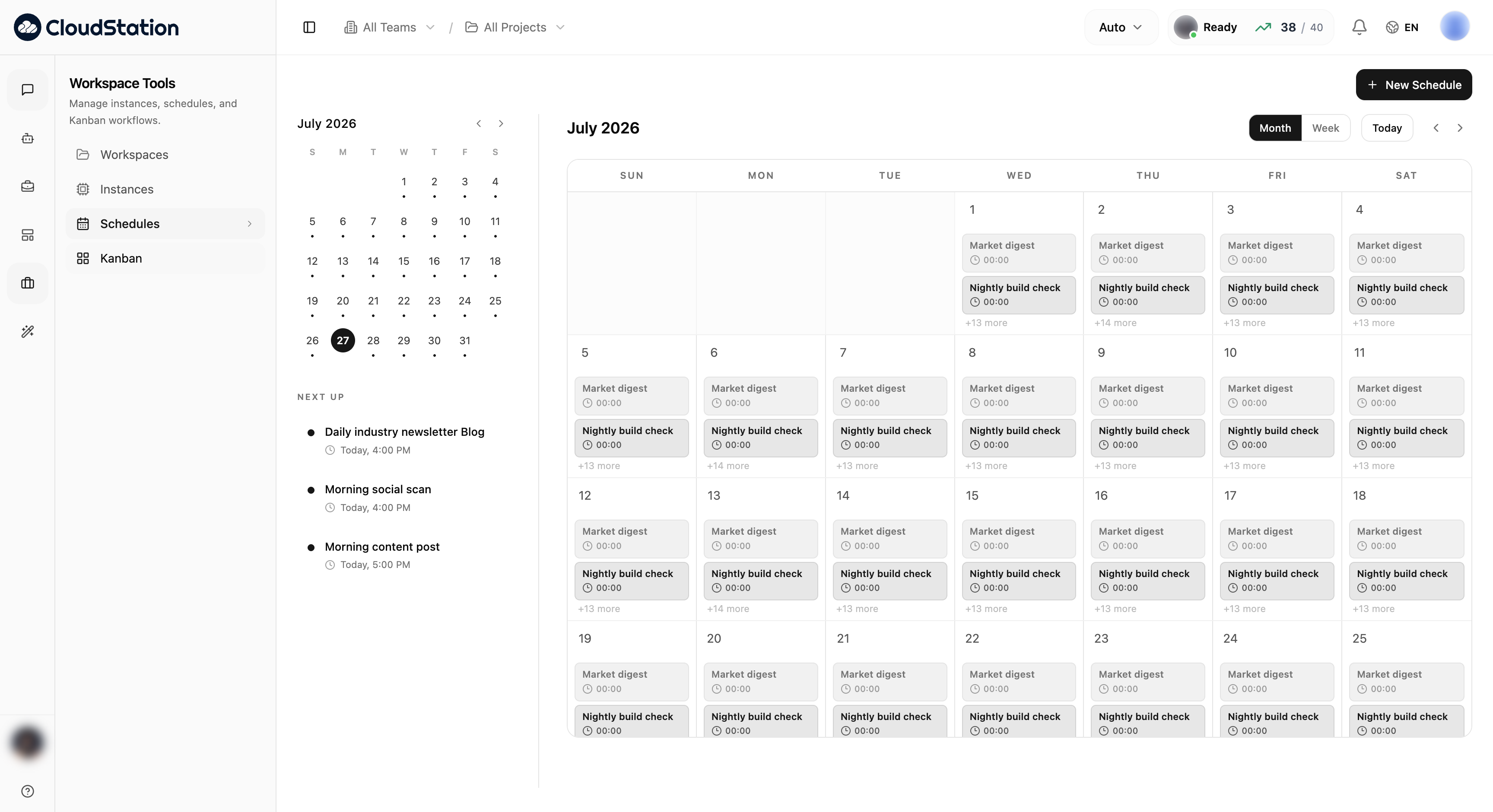
The Month view shows everything that will run, day by day, with a mini calendar and a Next up list of your soonest runs:
Switch to Week for exact times — each block is one scheduled run:
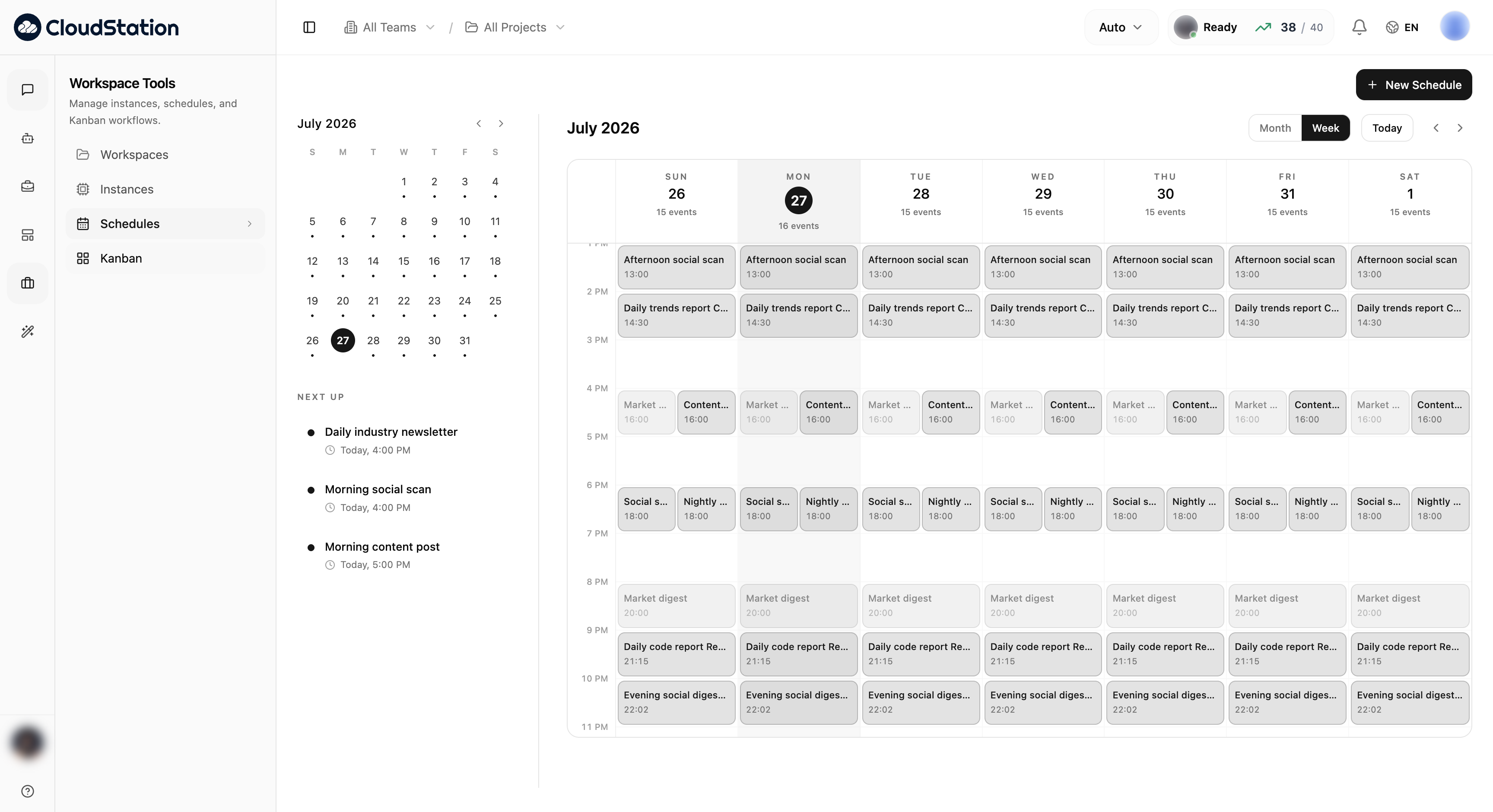
Use Today to jump back to the current date, and the arrows to move between months or weeks.
Creating a schedule
Click New Schedule, describe what should happen (the same way you'd ask in chat), and pick when — daily, weekly, or a custom recurrence. The schedule then appears on the calendar and runs unattended; results land in the conversation thread the schedule creates for each run.
Managing schedules
Click any occurrence on the calendar to open its schedule — from there you can edit the prompt or recurrence, pause it, run it immediately, or delete it. The Next up list is the quickest way to double-check what's about to run today.