

Billing for Organizations
How team plans, seats, and invoices work — and what owners vs members see
When a team is on a paid plan, one person pays: the team owner. Everyone else just works. This page shows both sides — what the owner manages, and what members see.
The owner's view
The owner's Billing section has three pages:
Overview
A dashboard of every team you pay for: total teams, apps deployed against your allowance, the per-team member cap, and your next renewal date. Below, the Team Status table lists each team with its plan and members.
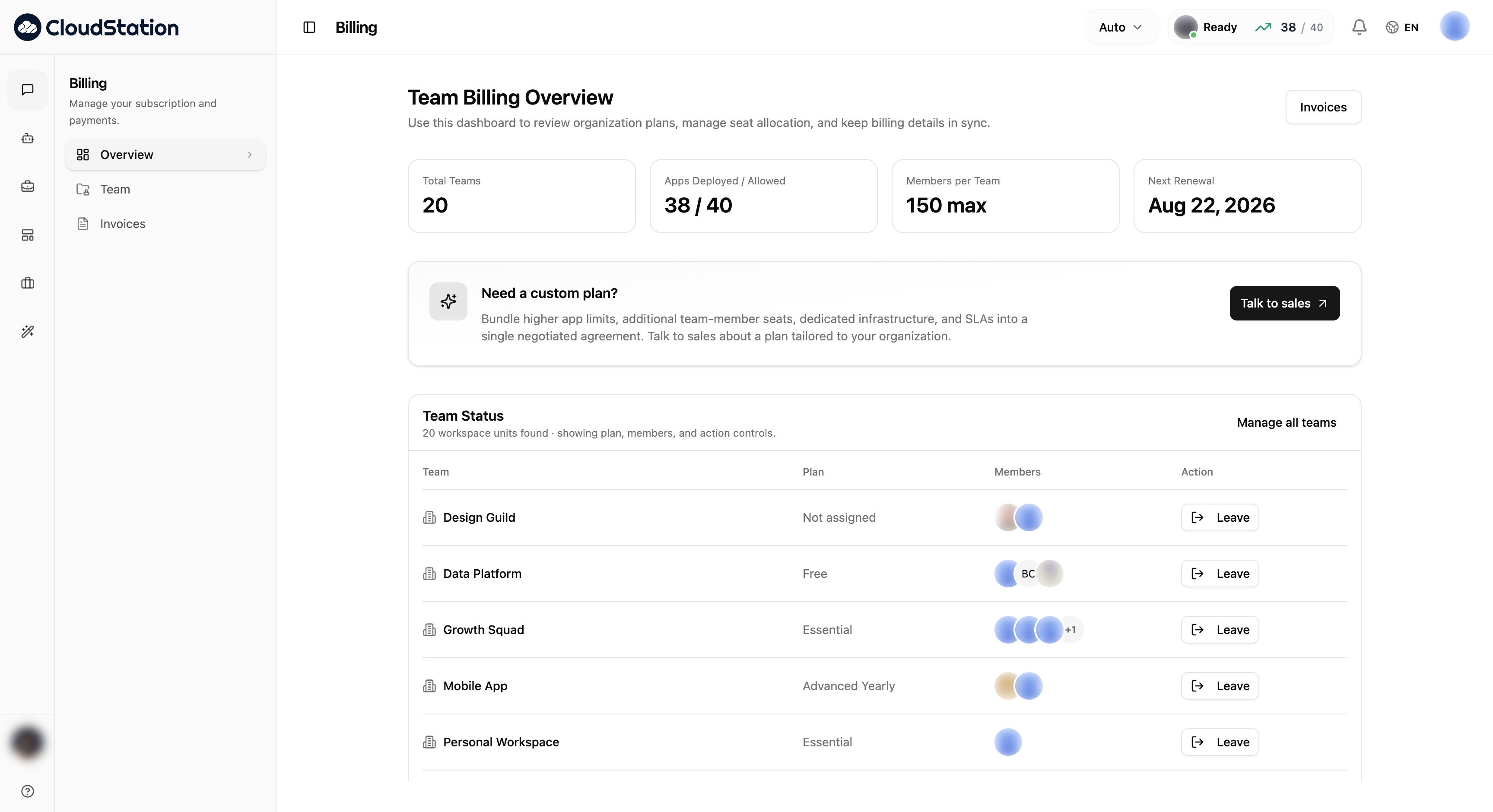
Teams
The team directory — every workspace team, its current plan, its members, and quick actions. This is also where you invite someone to a team from the billing side.
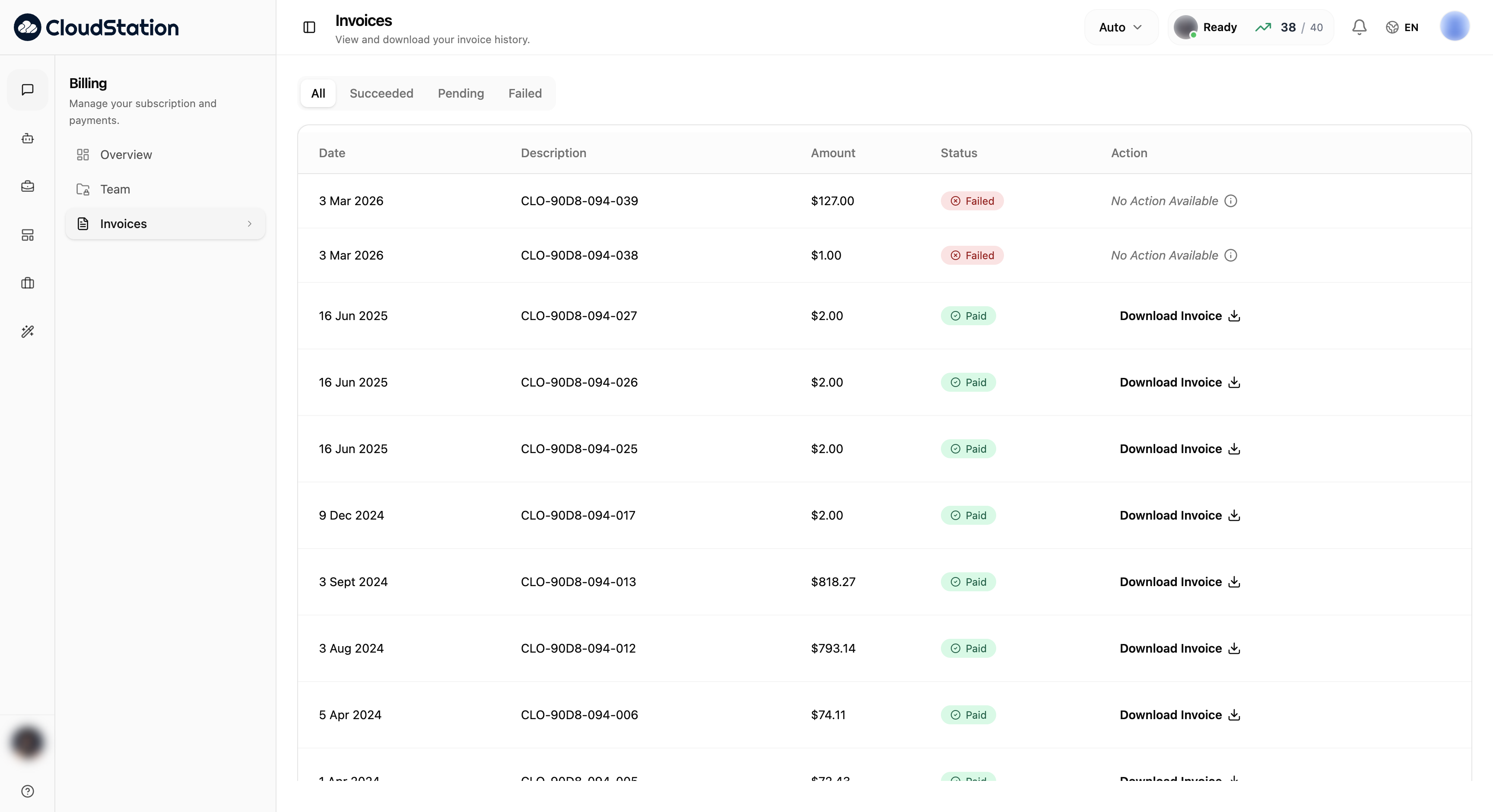
Invoices
Your invoice history with status (Paid, Pending, Failed) and PDF downloads:
Need more seats, higher app limits, or a negotiated agreement? Use Talk to sales on the billing overview — custom plans bundle these into one contract.
What members see
Members don't manage money, so CloudStation doesn't show them any. A member opening Billing sees a single notice instead of plans and payment forms:
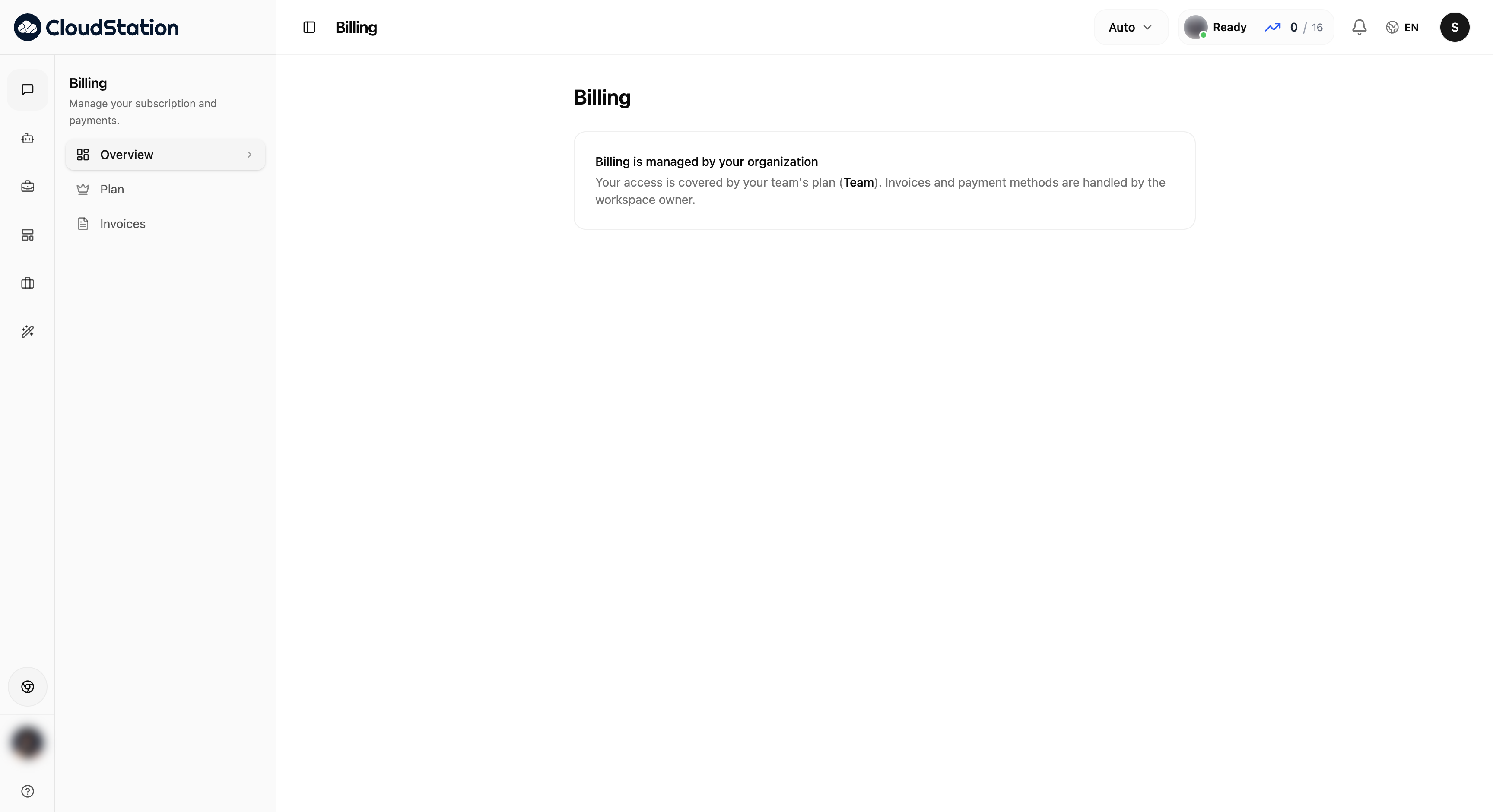
The same applies on the Invoices page — invoices and payment methods are visible only to the owner, by design:
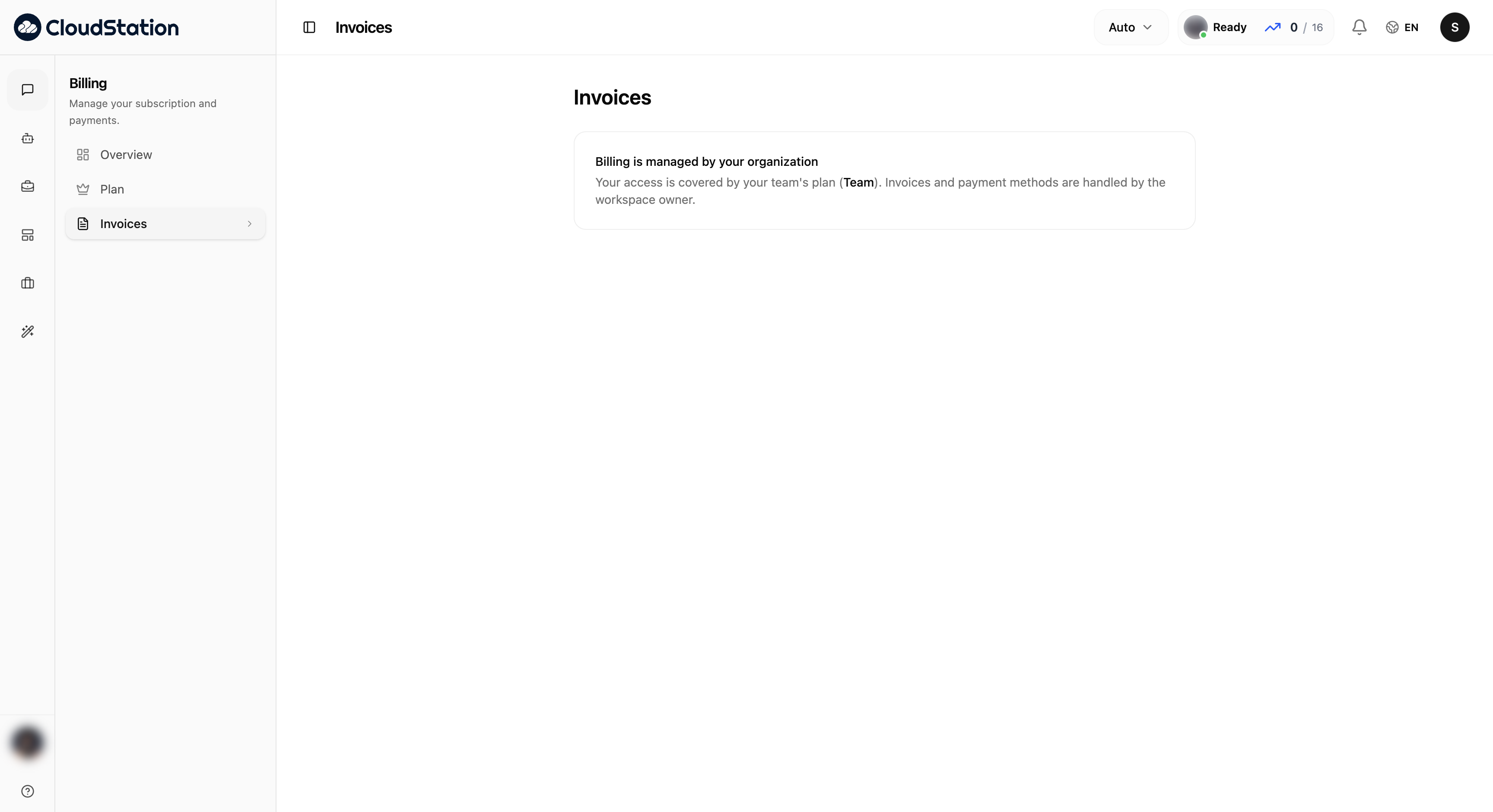
This is intentional privacy, not a missing feature: team admins run the workspace, but financial details — cards, invoices, spend — stay with the person who pays.
Seats and plans
- Each team has its own plan and seat count (shown on the team header, e.g. "9 of 10 seats").
- Every person in the team occupies one seat — whether they were invited by email or joined automatically via Enterprise SSO.
- When someone is removed or leaves, their seat frees up immediately.
- When every seat is taken, invites are blocked and SSO sign-ins of new employees are refused with a "seat limit reached" message until a seat is freed or the count is increased.
Related pages
- Teams, roles & members
- Personal billing — plans and payments for individual accounts
- What invited members see